 Nórdica Café · Primavera
Media
Play Platform Media is where all your content lives.
Organize videos, images and editing materials, keeping version control, context and brand consistency across the entire production.
Find any file in seconds thanks to metadata and advanced filters.
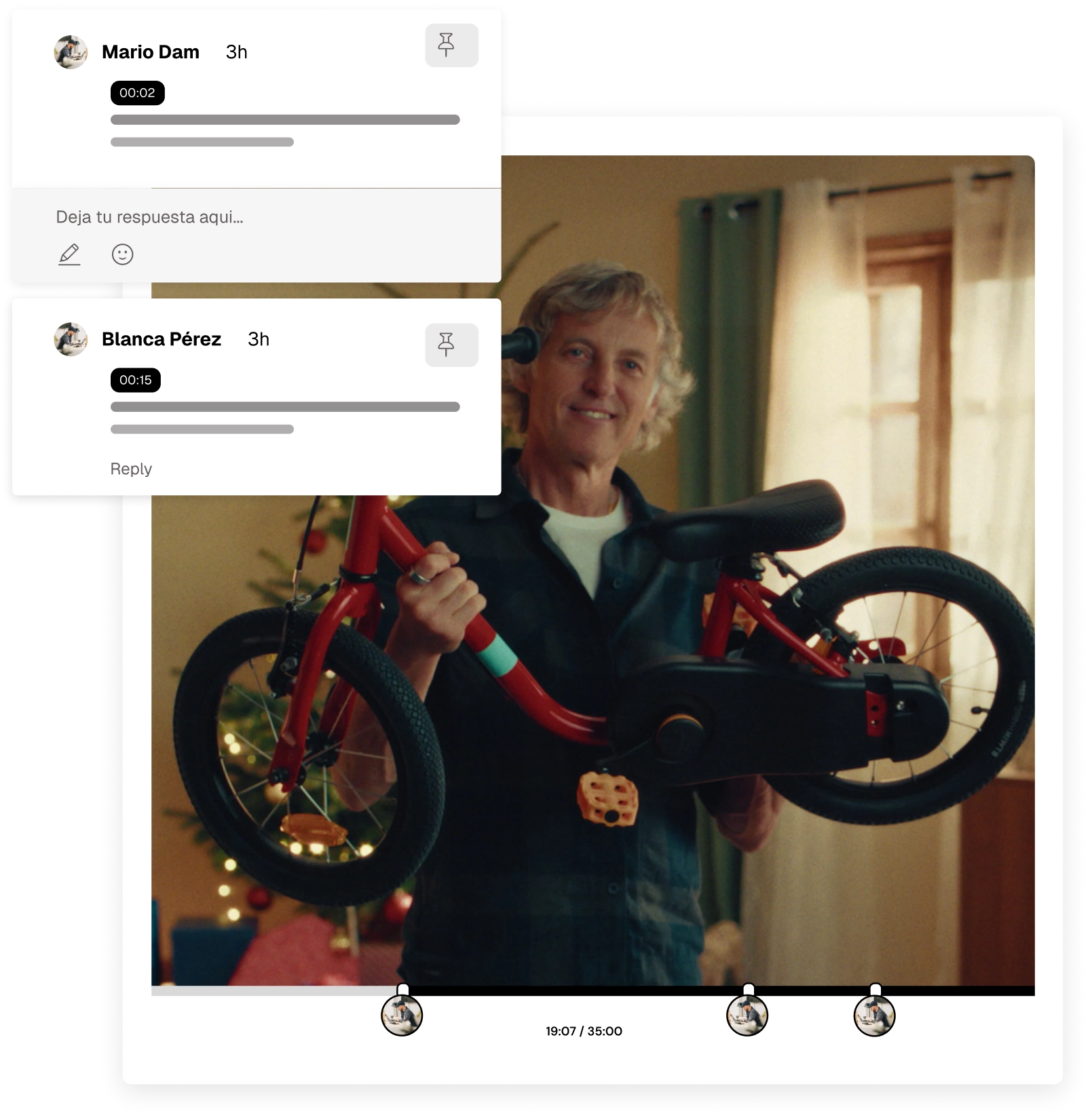
Manage comments and versions without leaving your workflow.
Organize and reuse your audiovisual content intelligently
The DAM (Digital Asset Manager) in Play Platform Media turns your content into a structured, reusable system.
Every asset is classified, versioned and ready to activate in new campaigns or productions.
Organization tailored to your business: Classify by campaign, product or area.
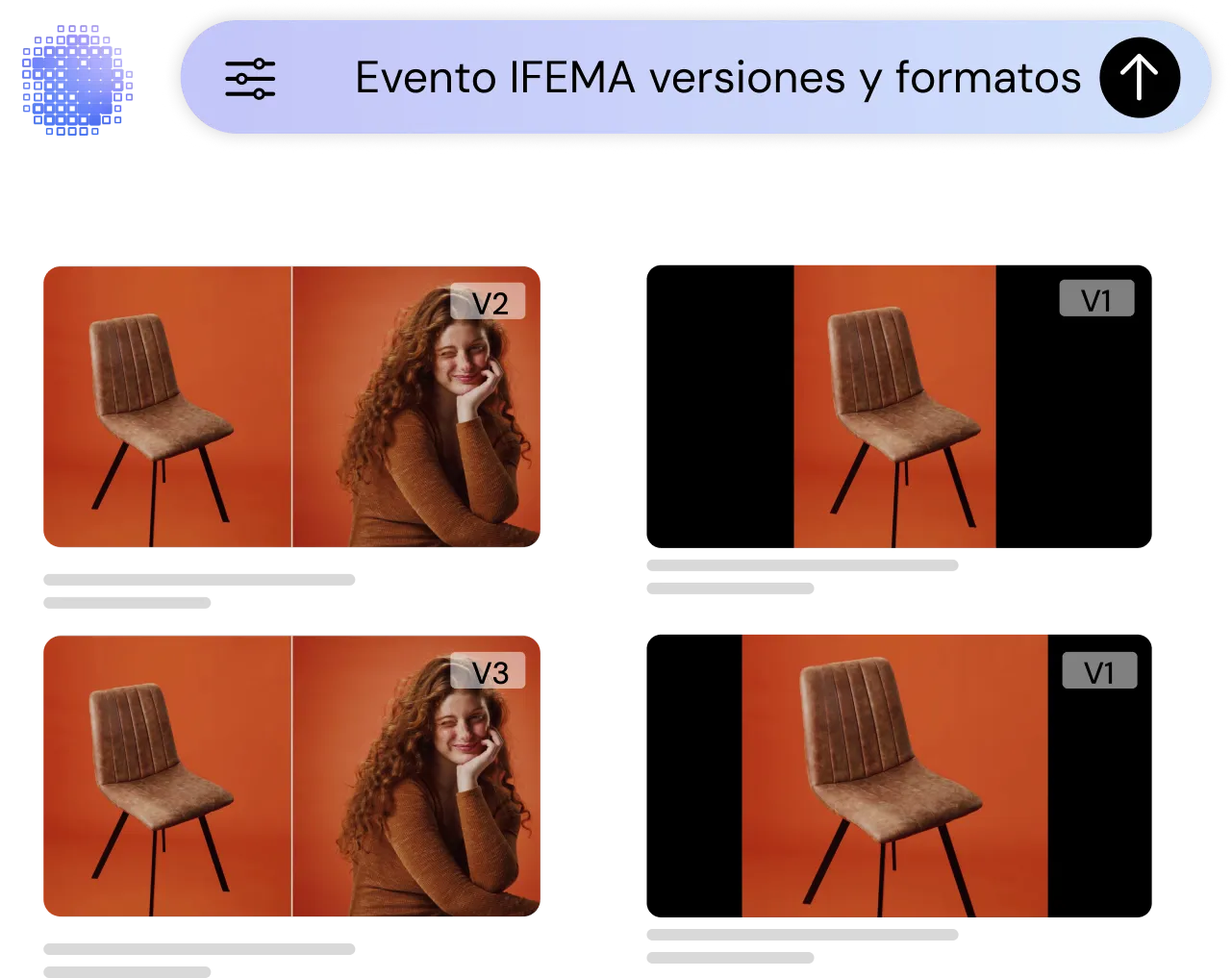
Version control: Keep visual consistency and correct usage at all times.
Coming soon
Generate new assets from your own system
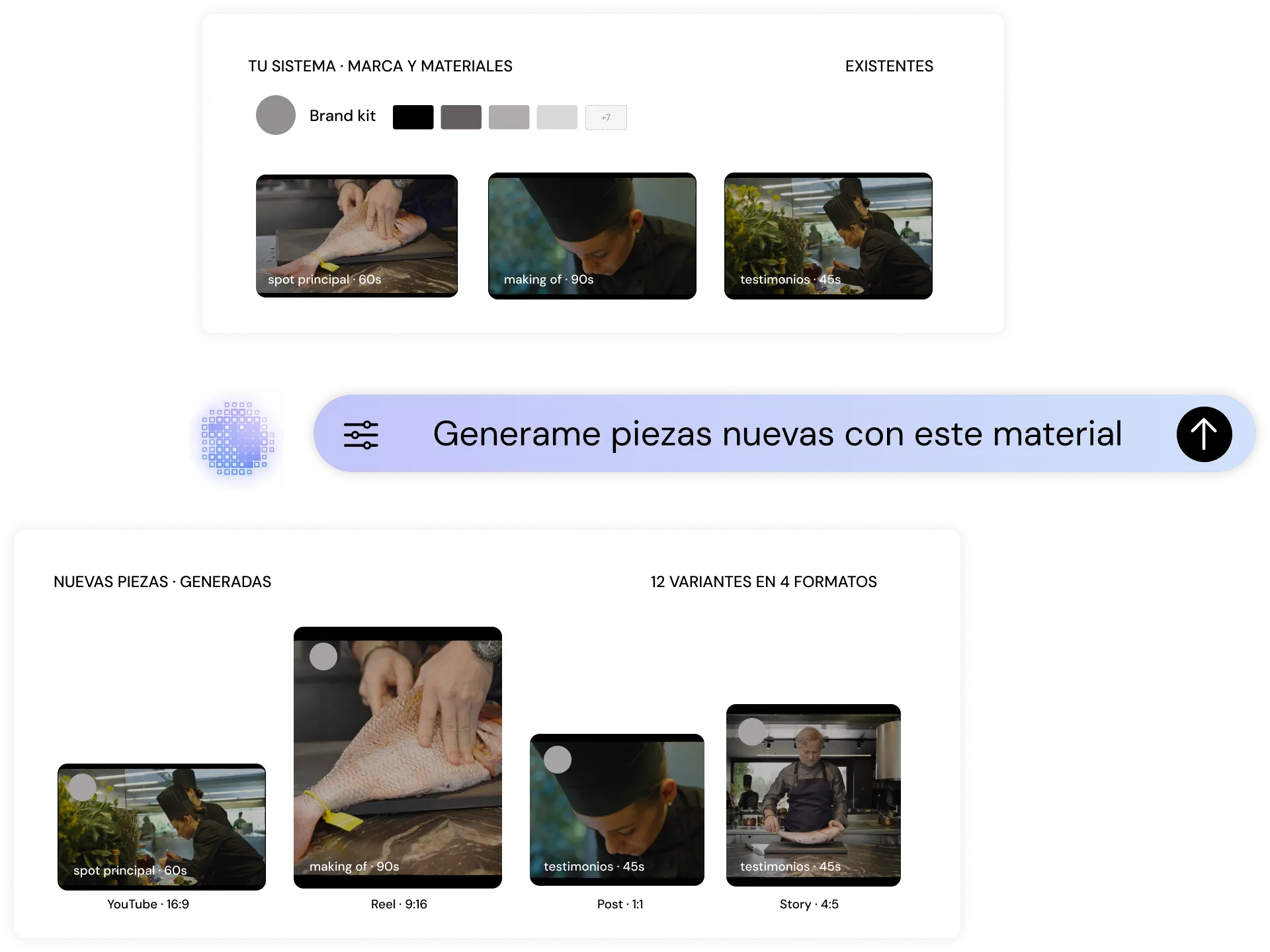
Play Platform Media's AI creates new assets from existing materials, respecting your brand's visual identity.
Automatic generation: Create variations and new assets from previous content.
Brand consistency: Automatically keeps visual criteria and tone.
Find, organize and reuse your audiovisual content intelligently
Play Platform Media automatically structures all your material so you can locate, reuse and scale it effortlessly.
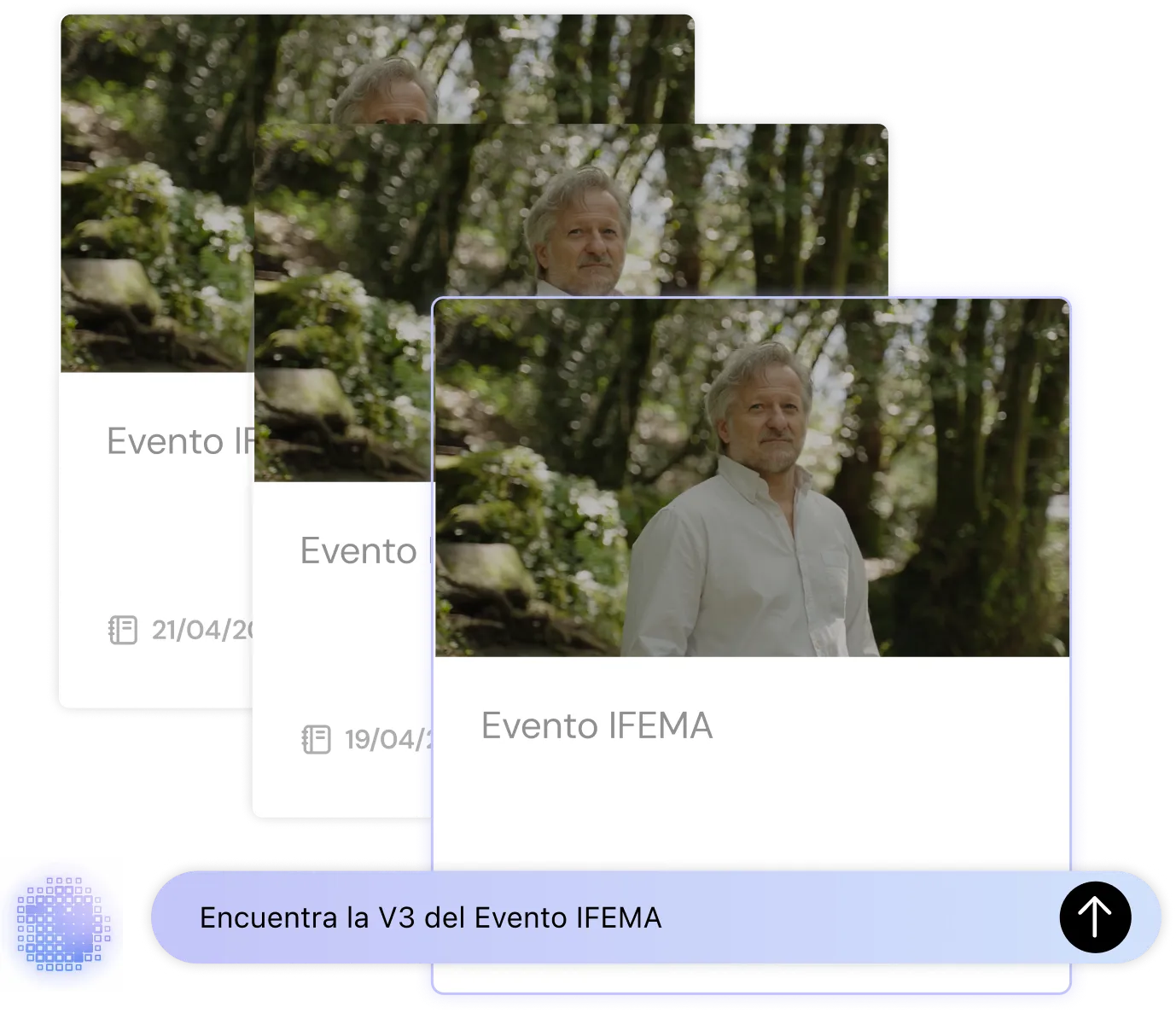
AI search: Find any file by context, metadata or visual content.
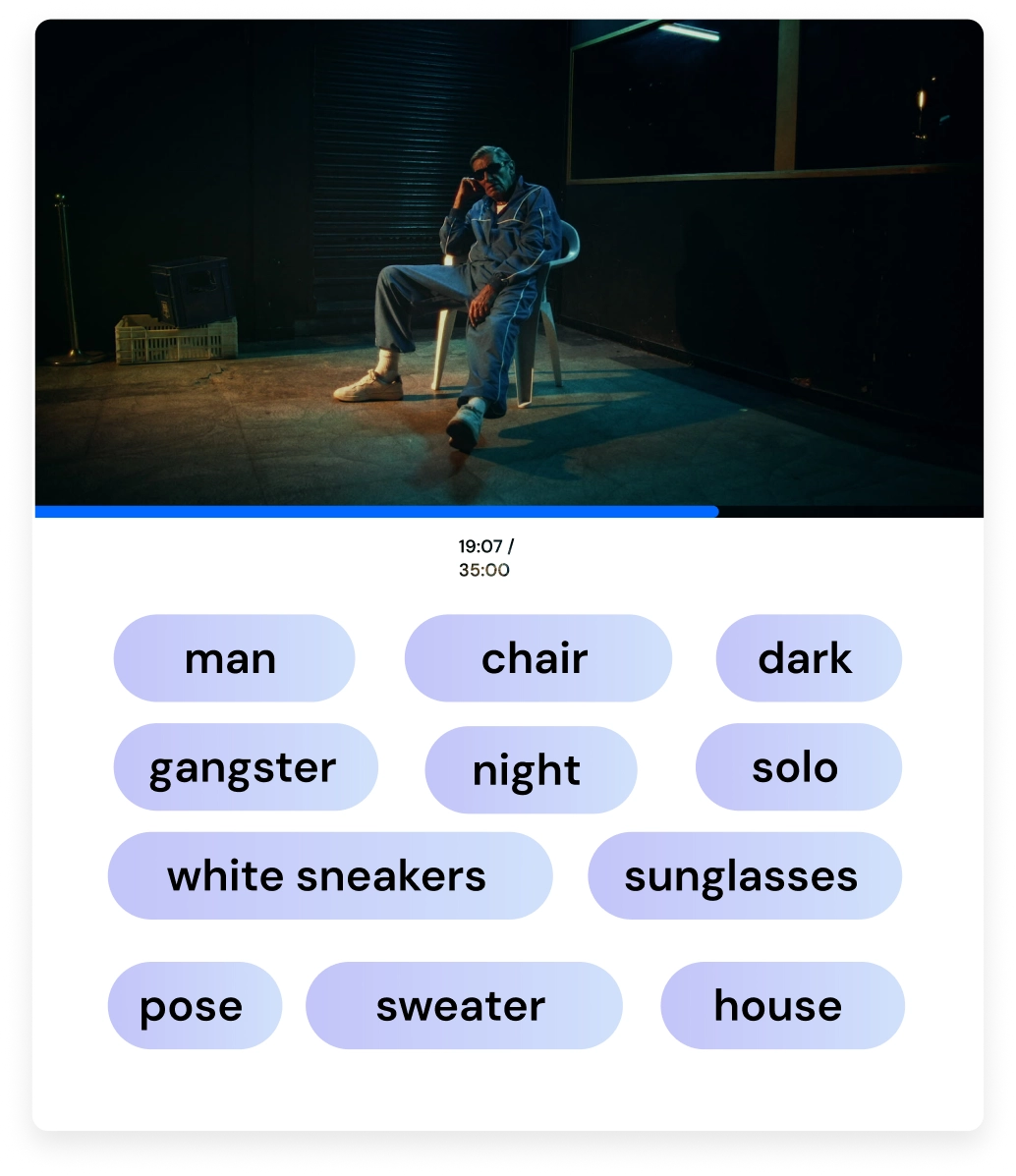
Automatic tagging: Generate tags with no manual work.
Agile reuse: Recover existing pieces and adapt them to new needs.
Cost optimization: Maximize the value of every already-produced asset.
KAMI AI, the artificial intelligence that connects the whole system
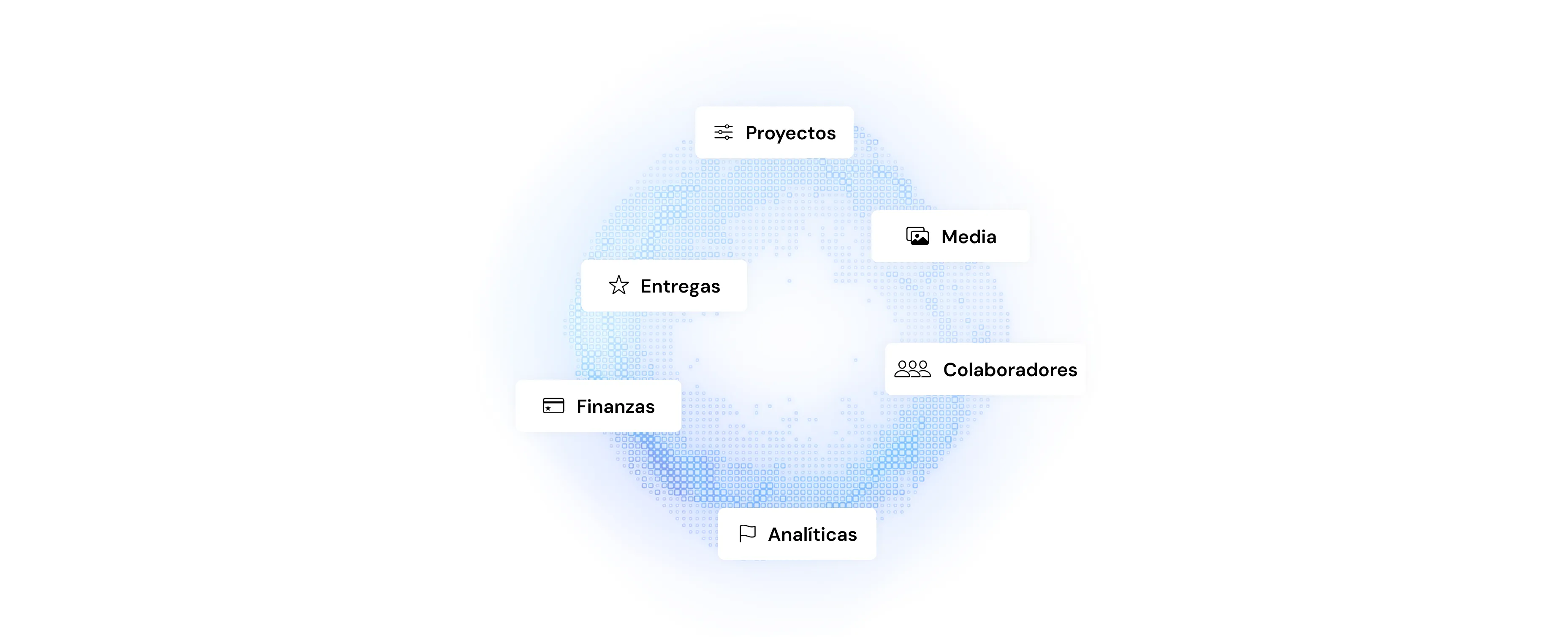
Play Platform Media works as a connected system powered by KAMI AI, the AI-based production assistant.
It interprets materials, structures information, optimizes organization and applies brand consistency across the whole flow, connecting content, teams and operations in a single environment.
Coming soon
Define and apply your brand's creative rules within the platform to ensure visual and narrative consistency.
Guidelines adapt to each production, respecting style, references and tone.
Centralized brand guidelines
Adaptation by content type or client
Automatic application in the workflow
Media is the content library in PLAY /Platform: videos, photos, audio and documents from all your productions, in one place and linked to their project. It isn't just another shared folder. It's built for video work: heavy files, many versions of every piece and clients who need to review and approve.
Drag in files or whole folders. Large files upload in parts and in parallel, and if the connection drops you can retry just the file that failed. A ZIP can be unpacked on upload, keeping its folders. RAW photos show a preview and download in their original format.
Anything that arrives without a project waits in the Media Pool until you move it where it belongs.
Forget trying to remember what the file was called. Type «videos from the last shoot» or «product shot on a white background», and AI search finds results by what's in the image, what's said in the video and the text that appears on screen. You can also filter by type (video, image, document or audio) and sort by relevance.
On the Pro plan, KAMI tags every file automatically. On request, it also transcribes videos: it detects the language, generates subtitles and exports them as .srt or .vtt.
Organise content in folders inside each project. To group pieces from different projects, such as everything for a campaign or a product, create collections: they bring files together without moving or copying them. A collection can be yours alone or visible to the whole team, and you can pin it to the menu.
Delete something by mistake? The trash keeps it for 30 days.
Comments are anchored to the exact second of the video or to a range, and you can draw on the frame to point at the detail. Mention a teammate, mark each comment as resolved and choose whether it's internal or visible to the client. When you're done, export every comment as a PDF.
Two AI shortcuts:
Each piece keeps all its versions stacked, and you can compare them side by side. When you add a new version to a delivery, the client doesn't see it until you publish it.
Mark each file as Approved, Pending or Needs changes, one at a time or several at once. People you send a link to can also approve or request changes, without creating an account.
Create a review or presentation link and decide whether people can comment or download, whether it needs a password and when it expires. You'll see which links get opened and downloaded most.
And the other way round: with an upload link, a client or collaborator sends their files straight into the project. You can limit who uploads, the size per file and the total space.
Add any Media file to a delivery without uploading it again. Play videos in the browser at automatic quality and download the original or a lightweight version. If the download is large, we email you a ZIP.
For social media, preview each piece as a Reel, Post, Story or Short, build carousels from photos you already have and write the copy with KAMI in your brand's tone.
The Lite plan includes 250 GB of storage and Pro includes 1 TB, with more available in 1 TB blocks. External collaborators are unlimited on every plan.
Manage projects, talent and assets from a single place, scaling modularly and profitably.