Collaborators
Manage and activate your audiovisual talent network in a single system
Collaborators, commissions and deliverables connected to your workflow.
Centralize the management of internal and external talent within the production environment. Every professional is linked to their projects, tasks, deliveries and purchase orders, with their full history in view.
Centralized collaborator management
Complete profile with history, skills, projects and operational context.
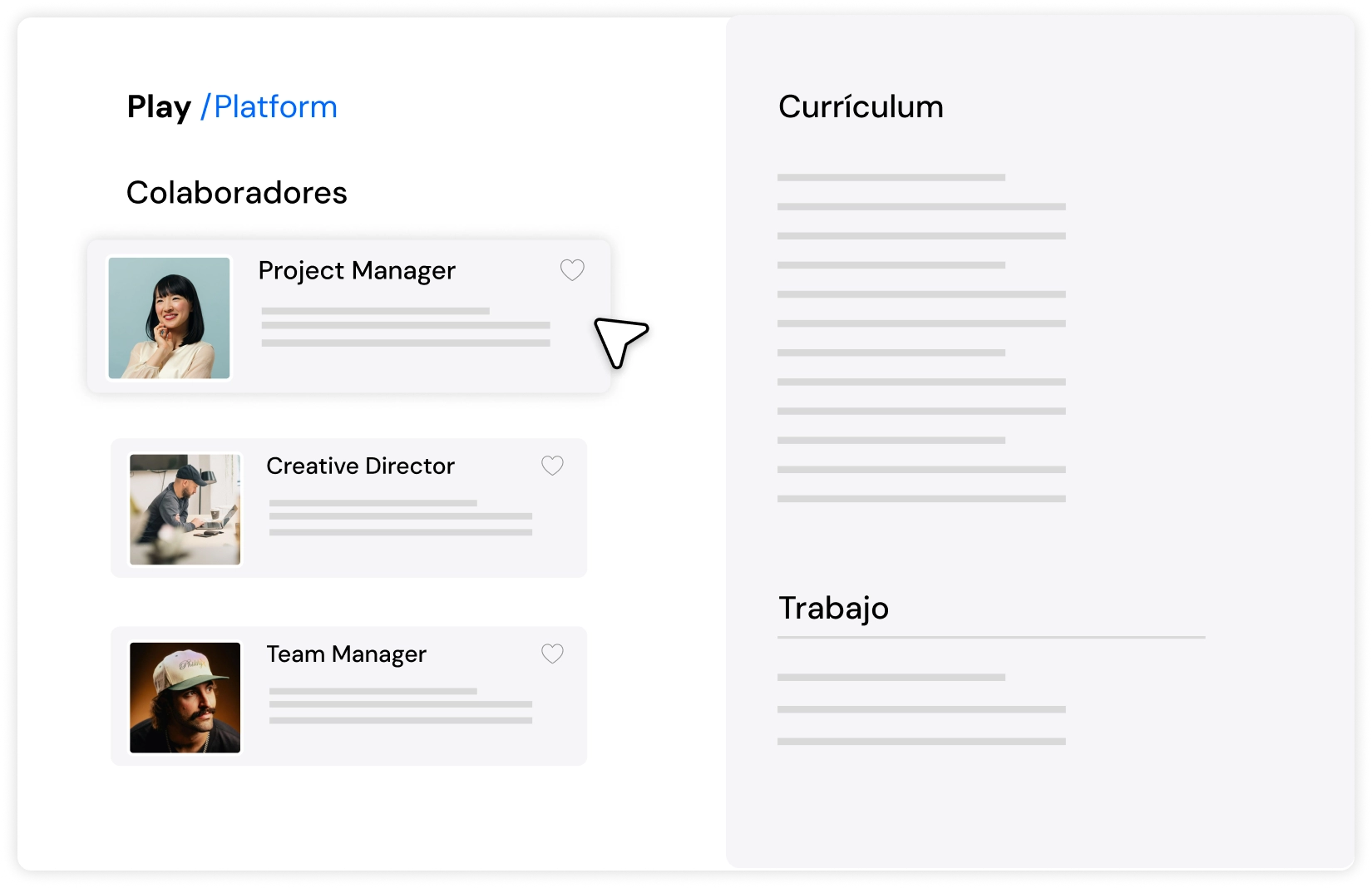
Direct assignment from production
Activate talent within the workflow without external processes.
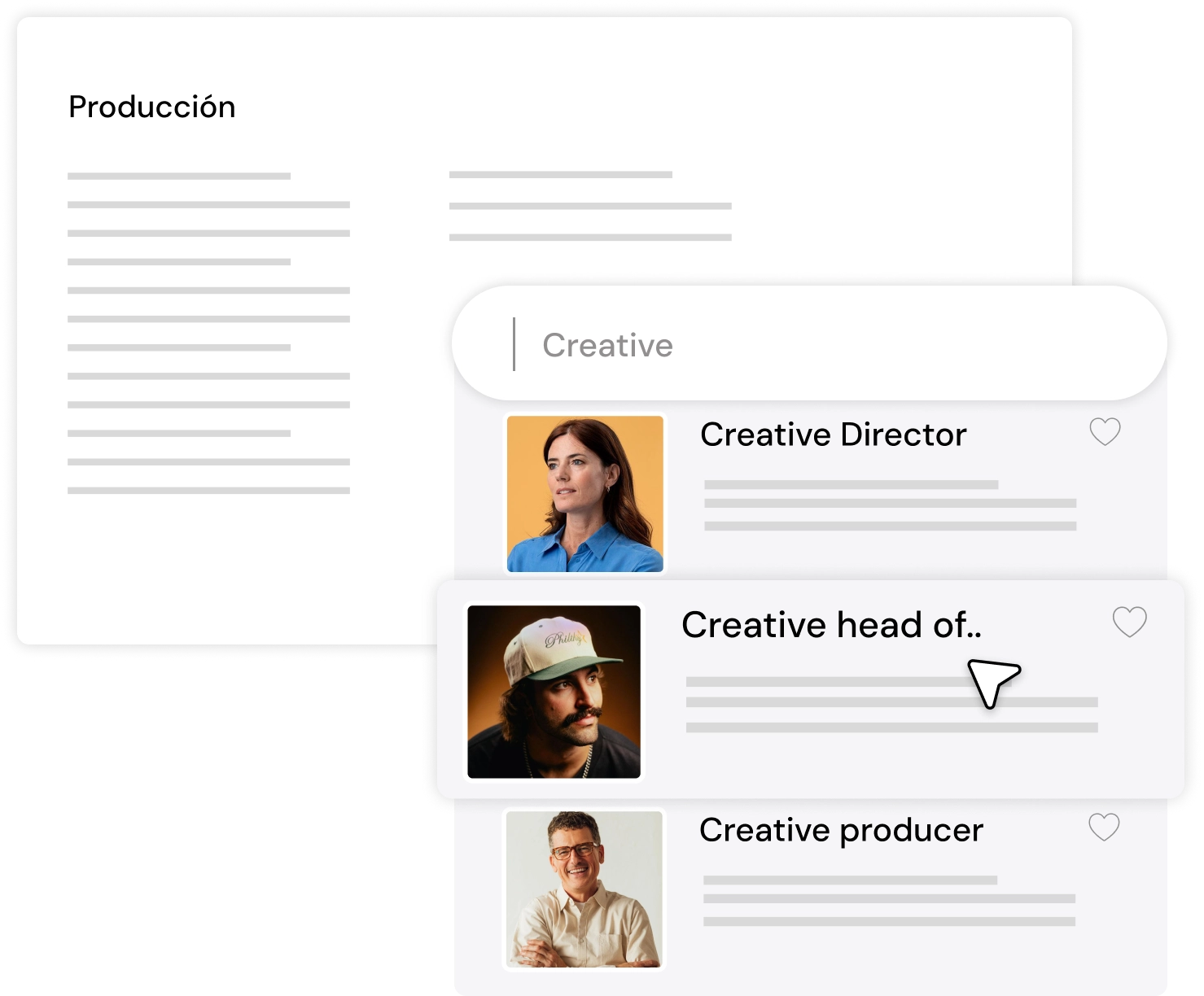
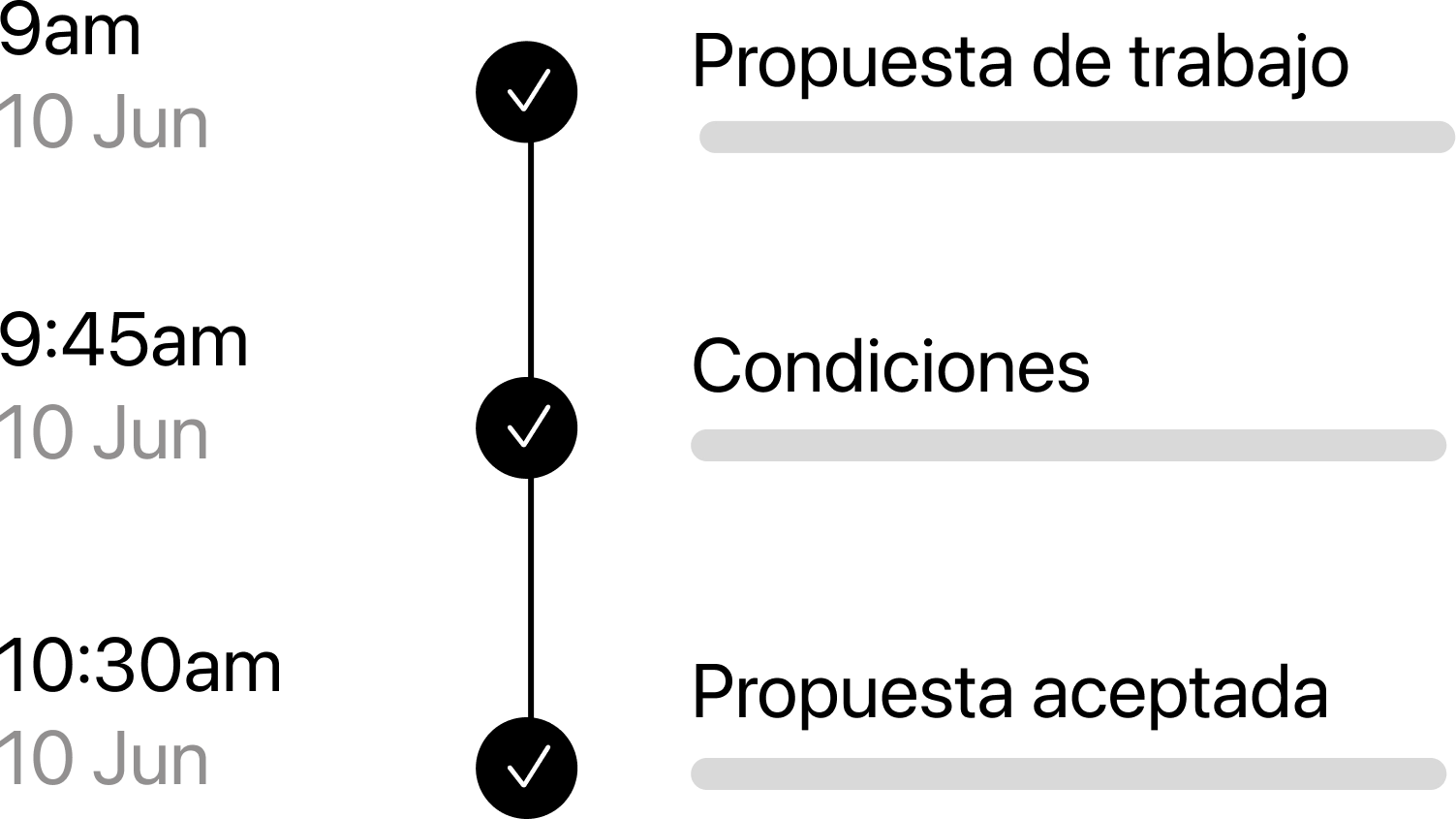
Commissions with purchase orders
Set the line items, terms and payment date. The supplier accepts the order from a link and joins the project.
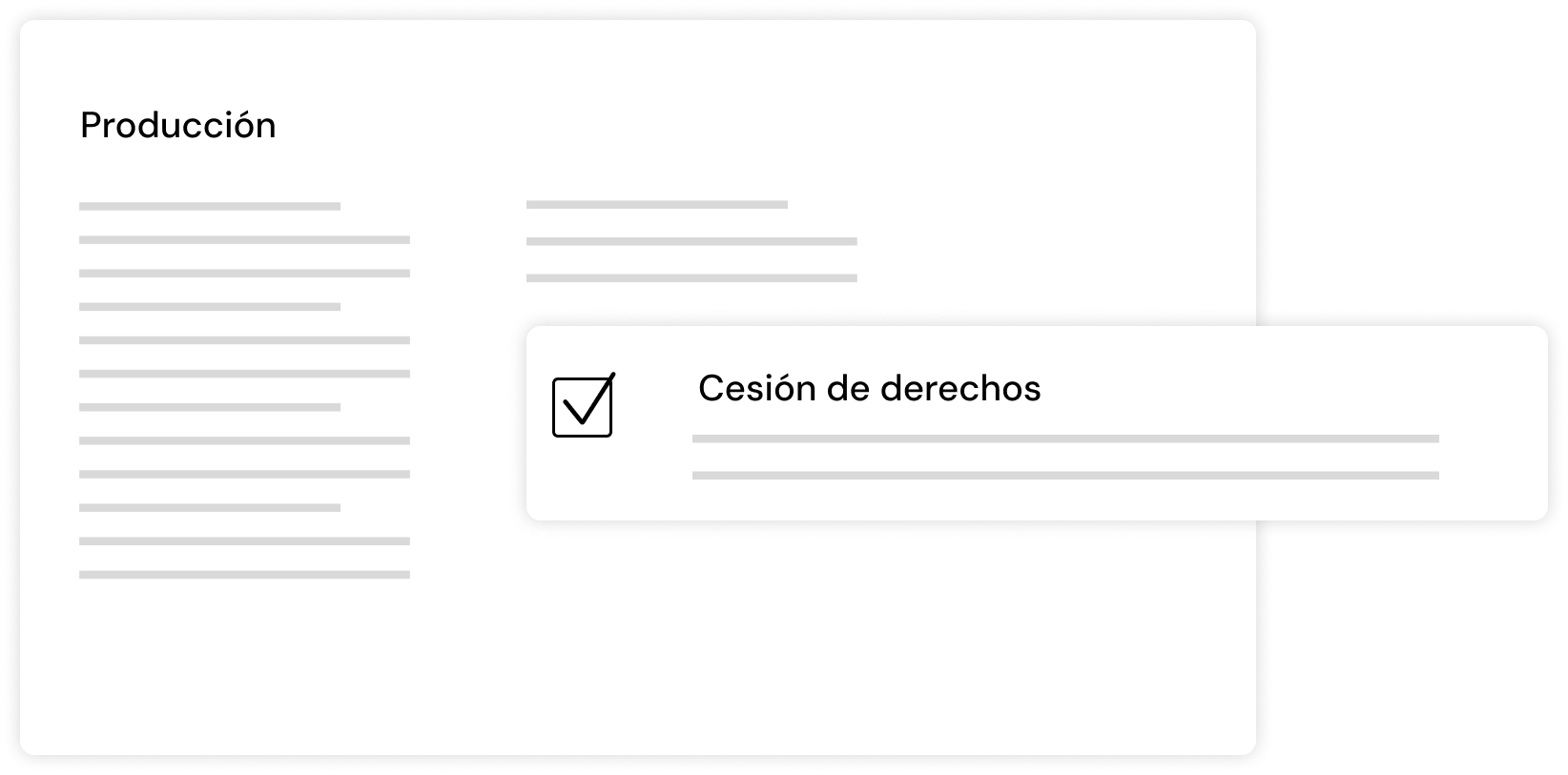
Paperwork signed online
Before the shoot, send the non-disclosure agreement, image rights release and health and safety forms for signing.
Scale your production with talent connected to your workflow
Fully connected flow
Collaborators integrated directly into projects, tasks and deliverables.
Full control and traceability
Projects, commissions and expenses for every professional, in a single system.
Immediate scalability
Add collaborators whenever production needs them: they are unlimited on every plan and join with a free account.

How Collaborators works
Your network of professionals, in one place
A video production depends on people who aren't on staff: directors, camera operators, editors, colourists, sound recordists. In PLAY /Platform, each professional has a profile in Talent: specialities, day rate, availability, experience, own equipment, CV and a portfolio with videos from Vimeo, YouTube or Drive.
Search by speciality, filter, save the searches you use most and mark the people you work with again as «Recurring collaborator». If a profile is half finished, the platform lets you know.
Everything you've done with each person
The Relationships tab on each profile brings together the projects, deliveries, expenses and purchase orders they've worked on, with what was contracted and what's still to be invoiced. Before you call someone again, you see how it went last time and what it cost. The Conversation tab keeps the team's notes about that person.
Bring in your contacts in minutes
If your network lives in an Excel sheet, import it: download the template, check the preview and fix errors row by row before you confirm. You can also ask KAMI, the AI assistant: it reads the sheet, separates professionals from candidates, and only imports once you give the go-ahead.
Find new people with a Talent Call
Need someone you don't know yet? Create a Talent Call: a public form for professionals to apply, with a closing date and an email alert for every application. Applications are sorted on a board with the stages you define, and when someone fits, you turn them into a professional in one click. Viewing applications requires the Pro plan.
Invite collaborators at no extra cost
Invite each person as a collaborator. They sign in with a free account and don't take up a seat on your plan: collaborators are unlimited on every plan.
You decide what each one sees and does. For each project tab you choose whether they can see everything or only their own work, and whether they can create, edit or delete. Save those combinations as reusable roles, or limit access to a single task or a single budget. The Extended Collaborator role adds cost control, budgets and production paperwork.
Shared work, without forwarding files
The collaborator sees your project in «Shared with me» and works inside it, with the permissions you've given them: they upload footage and folders, comment on the video with timecode, move their delivery tasks, add events to the calendar and log their expenses. No more lost download links or emails with «final version 3».
If the collaborator also uses PLAY /Platform, they can copy the project to their own workspace, with its details, brief and budgets as a draft. It's an independent copy: the original doesn't change.
Clear commissions with purchase orders
On the Pro plan, commission work with a purchase order: choose the supplier from Talent, add the line items, the terms and the expected payment date, and send it. The supplier accepts or declines it from a link, and on accepting joins the project as a collaborator. Every order is kept on the professional's profile.
The shoot, with its crew and its paperwork
Build the crew list for each shoot from Talent profiles, use templates and export it to Excel. Before the shoot, send the paperwork for online signing: non-disclosure agreement, image rights release and health and safety forms. Signed copies are saved in Media and download as a ZIP.
Start producing audiovisual content strategically.
Manage projects, talent and assets from a single place, scaling modularly and profitably.