Tasks
Execute and control every task within your audiovisual productions
Play Platform Tasks is where the real execution happens.

Integrated media
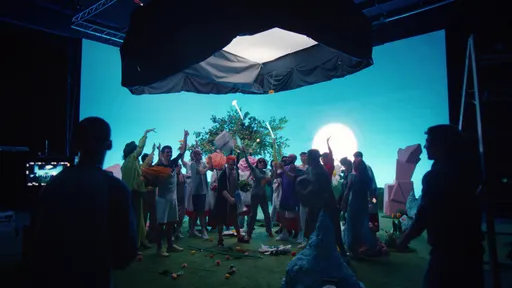
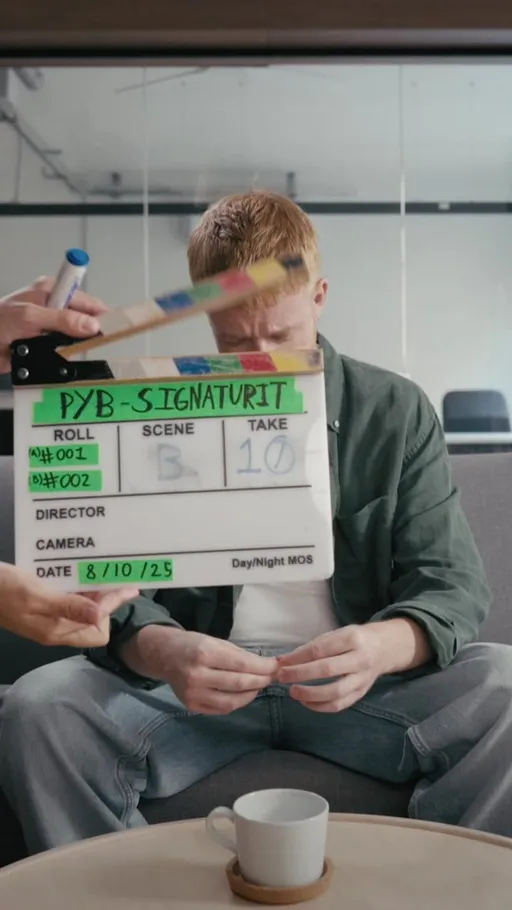
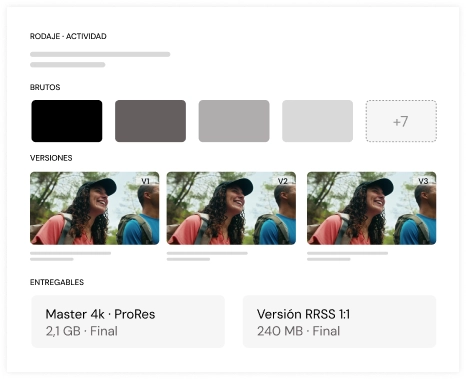
Every activity includes its associated files: raw footage, versions, reviews and deliverables. All content lives inside the workflow itself.
Operational tracking
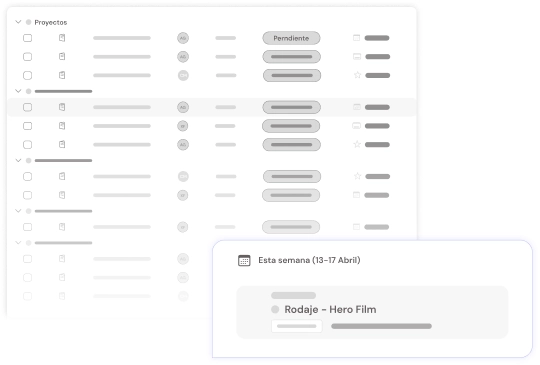
View statuses, deadlines and checklists. Overdue tasks turn red, and a reminder goes out the day before each deadline.
Precise execution within every project
Structured work
Every activity is defined, assigned and executed independently within the flow.
Deliverable control
Track versions, feedback and files in a single environment.
Team coordination
Efficiently assign internal and external talent to each need.
Less operational friction
All daily work is centralized, avoiding scatter across external tools.
How Tasks works
Where the production gets done
A video project is dozens of small steps: prepping the shoot, editing, colour grading, adding the subtitles, delivering each version. In PLAY /Platform, every step is a task with an assignee, dates, files and conversation, inside its project. Nobody has to ask by email who's handling what or when it's due.
Five ways to see the work
Switch views depending on what you need:
- By project: all your tasks grouped by production, with a shortcut to the brief.
- Table: to filter, sort and assign several tasks at once.
- Kanban by lists: organise the work in your own lists.
- Kanban by status: move each task from To do to In progress to Done.
- Gantt: inside each project, the full plan by day, week or month.
Filter by project, client, status, team, person or due date, and save the views you use most.
Plan with a Gantt and dependencies
In each project's Gantt, drag the bars to move dates and group tasks by status, assignee, list or label. Link two tasks to show that one doesn't start until the other ends. If a dependency is impossible, or a task is running late, the Gantt flags it.
Create tasks at the pace of a meeting
Type the task in one line and @mention whoever is handling it. If that person isn't on the platform yet, type their email: the user is created and they get the invitation. Lists in the brief also turn into tasks or deliveries in one click.
And if you'd rather ask, KAMI, the AI assistant, creates tasks and deliveries, changes their status or dates and tells you what you have pending.
Everything a task needs
Each task brings together what it takes to get it done right:
- Assignees from the internal team and external collaborators.
- Start date and due date. Overdue tasks are marked in red.
- Checklist, with an assignee for each item.
- Labels in colour, shared across the whole team.
- Description with formatting.
- Files: upload them or add them from Media. They're saved in a folder for the task.
Duplicate, archive or delete tasks, and undo if you make a mistake.
Conversation inside the task
Comment on the task itself and mention a teammate: they get a notification. Feedback stops getting lost between emails and chats, and anyone who opens the task sees what was decided.
Nothing slips past its date
Everyone gets a notification, on the platform and by email, when they're assigned a task. The day before the due date, assignees and the team get a reminder. On the Pro plan, every task with a due date also shows up as a milestone in the project calendar.
From task to delivery to approval
When a task produces something the client needs to see, turn it into a delivery. Deliveries have their own board and can be visible to the client.
To review outside the platform, share a link to the task. Decide whether it expires, whether it can be downloaded and whether you want a notification when it's opened. Whoever gets it sees the versions, compares them, comments at the exact point in the video and approves the right version, without creating an account.
Everyone sees their own
Each person sees the tasks assigned to them and the project's deliveries, and their personal lists are visible only to them. External collaborators update their tasks and upload files, but they don't create or delete. You decide which tasks the client sees.
Included in every plan
Tasks, the Gantt and dependencies are included in every plan, starting with Lite.
Start producing audiovisual content strategically.
Manage projects, talent and assets from a single place, scaling modularly and profitably.